What Zenoba manages
What Zenoba manages, record by record, module by module.
The complete inventory of what you can keep in Zenoba. It is generated from the product’s code at every release: what is written here exists.
- The organization’s context
- 15
- Each project
- 10
- modules
- 46
- reports
- 13
- AI agents
- 10
- knowledge sections
- 700
The organization’s context
Fifteen structured records describe the organization; the assistant reads them before answering. Filled in by hand or by ingesting your documents.
- 01Organization profile13 fields
- 02IT organization10 fields
- 03Infrastructure16 fields
- 04Applications10 fields
- 05Security and compliance11 fields
- 06Suppliers6 fields
- 07Contracts and licenses4 fields
- 08IT processes8 fields
- 09Project history5 fields
- 10Culture and change7 fields
- 11Regulatory constraints6 fields
- 12IT budget7 fields
- 13Strategic roadmap6 fields
- 14Skills and training6 fields
- 15Incident history4 fields
Each project
Ten records per project, from identification to closure. Fed by the requirements document, meeting minutes and decisions.
- 01Identification12 fields
- 02Stakeholders6 fields
- 03Scope and requirements8 fields
- 04Solution architecture7 fields
- 05Schedule and milestones6 fields
- 06Budget and costs7 fields
- 07Risks and issues4 fields
- 08Quality and testing6 fields
- 09Change and training7 fields
- 10Closure10 fields
Day-to-day management
The shipped modules, grouped by area. Each has its page, its API, its permissions and its contextual help.
Planning
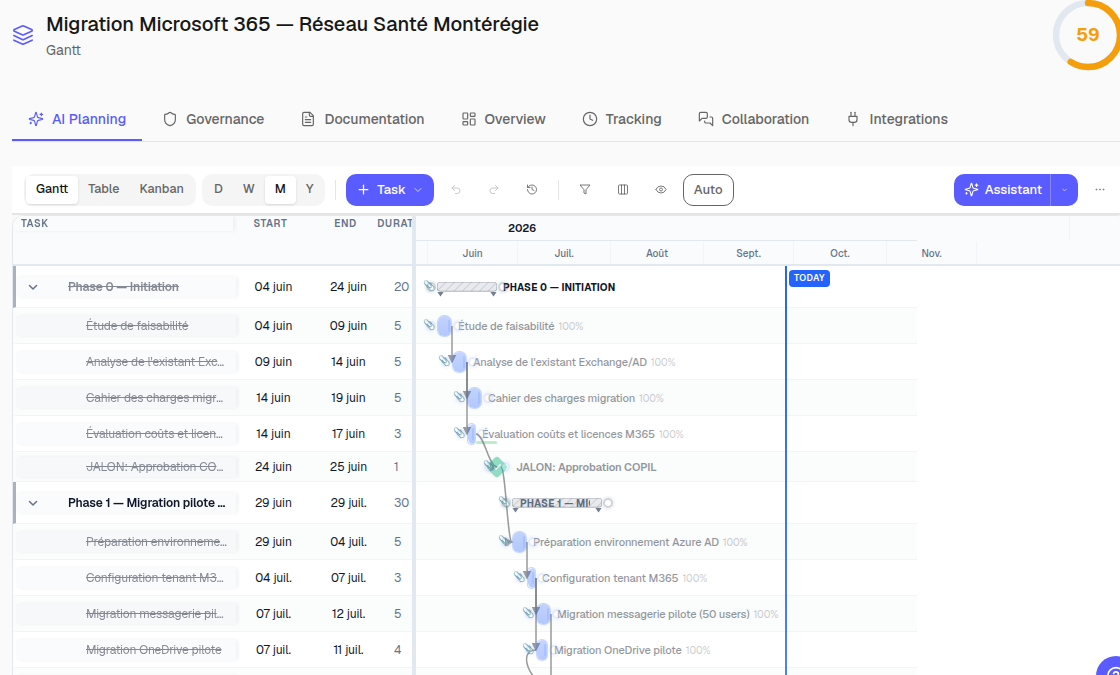
Gantt
Plan tasks and see their dependencies.
Critical path
Identify the tasks that determine the finish date.
Baselines
Compare the current plan with a saved baseline.
Versions and undo
Review plan versions and undo a change.
Kanban
Track tasks by status on a visual board.
Table view
Sort and edit tasks in a structured view.
Project templates
Start a project from a reusable template.
Portfolio
Group projects to track their progress.
Custom fields
Add information specific to your process.
Work calendars
Account for working days in the schedule.
Gantt configuration
Adjust chart display and scheduling rules.
Milestones
Track the project’s key deadlines.
Project shaping
Structure project context in guided sheets.
Governance
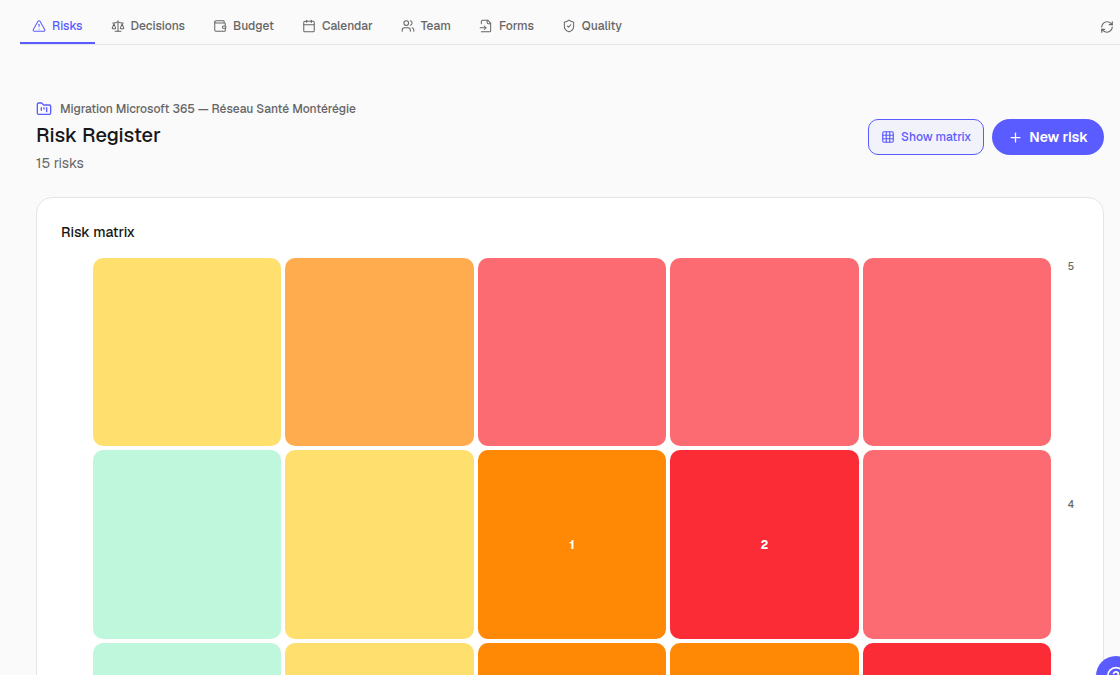
Risk register
Assess risks and track response actions.
Decision register
Record decisions and their rationale.
Approvals
Centralize requests and their approval status.
Audit trail
Trace important actions in an audit log.
Forms
Collect requests with project forms.
Steering reports
Generate reports from project data.
Requirements traceability
Link requirements to the items that deliver them.
Collaboration
Project chat
Discuss work in the project context.
Comments and checklists
Clarify work with comments and checklists.
Documents
Store and find project documents.
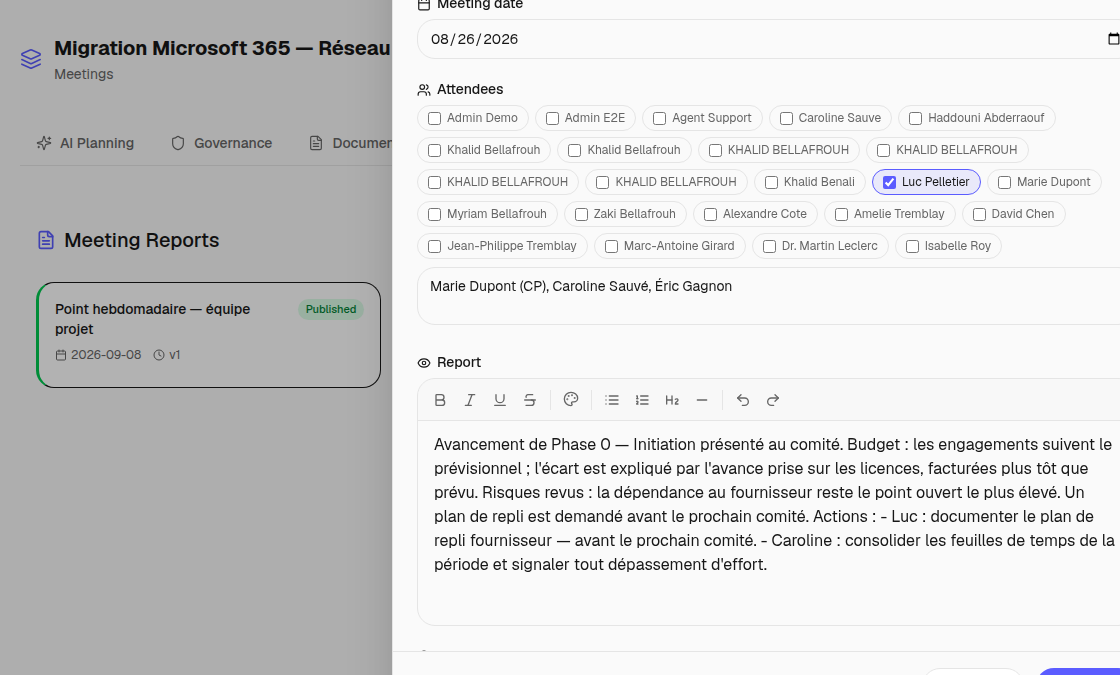
Meeting minutes
Record attendance, decisions and meeting actions.
Notifications
Get notified about events relevant to you.
Real-time presence
See who is working on the project at the same time.
Team and finance
Team and workload
Assign the team and monitor workload.
Timesheets
Record and consolidate time spent.
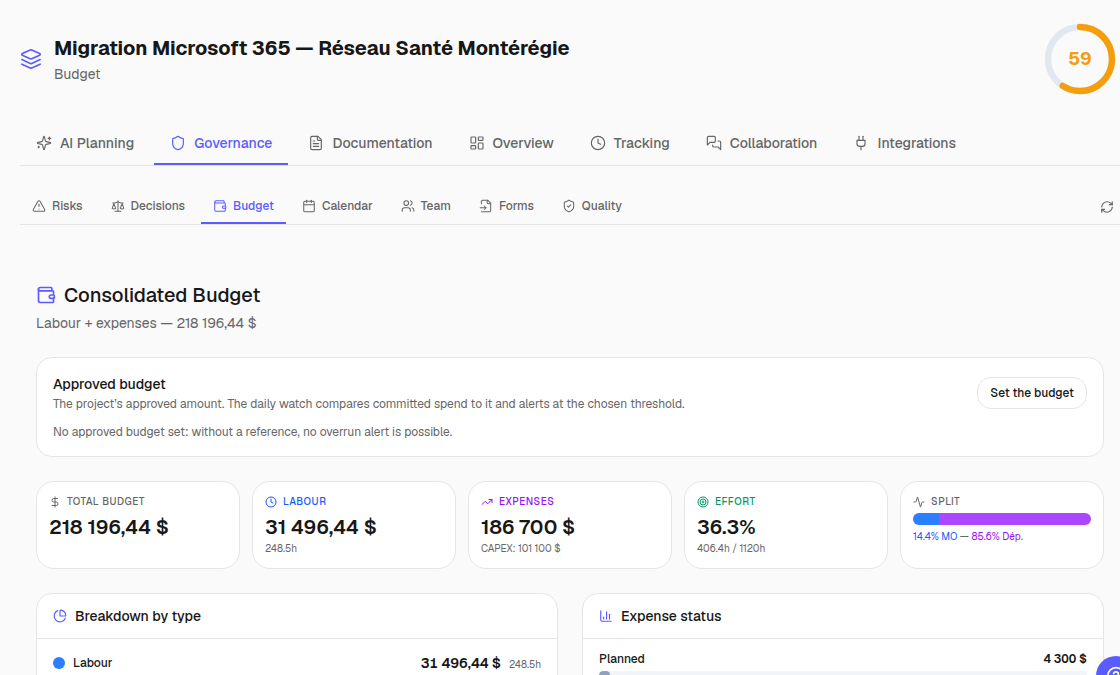
Expenses and budget
Track budget, expenses and variances.
My work
Bring one user’s tasks together.
Intelligence
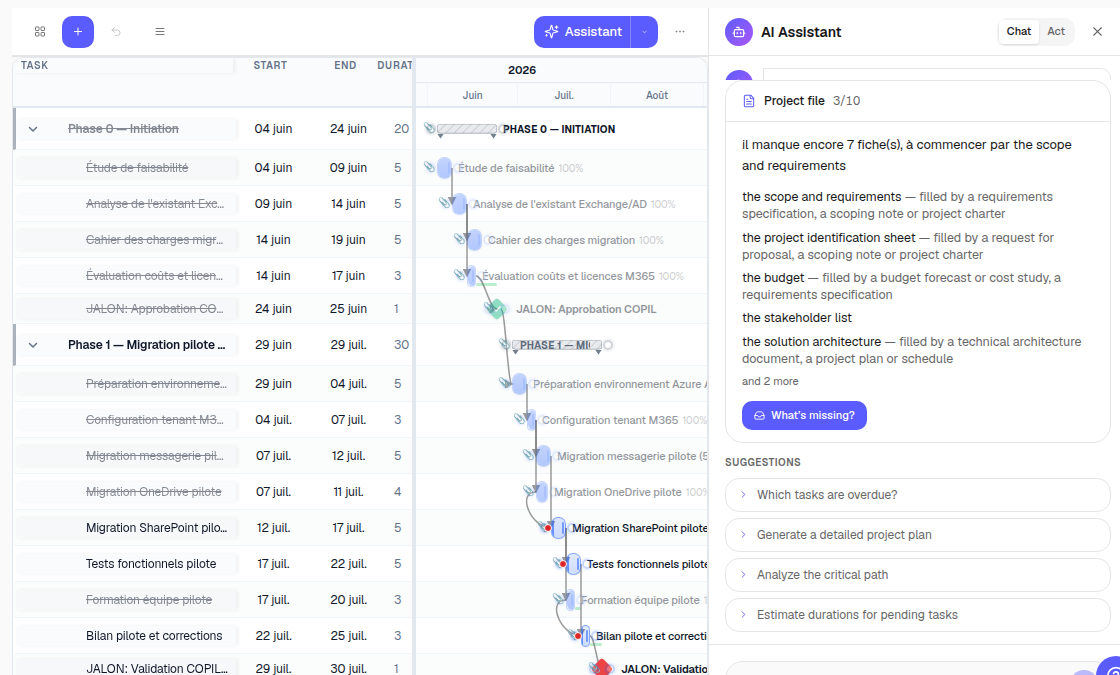
AI agents
Route analysis to specialized AI agents.
Document ingestion
Extract information from uploaded documents.
Knowledge base
Ground answers in an industry knowledge base.
Semantic memory
Retrieve useful context through semantic search.
MCP integrations
Connect external tools through MCP connectors.
Administration
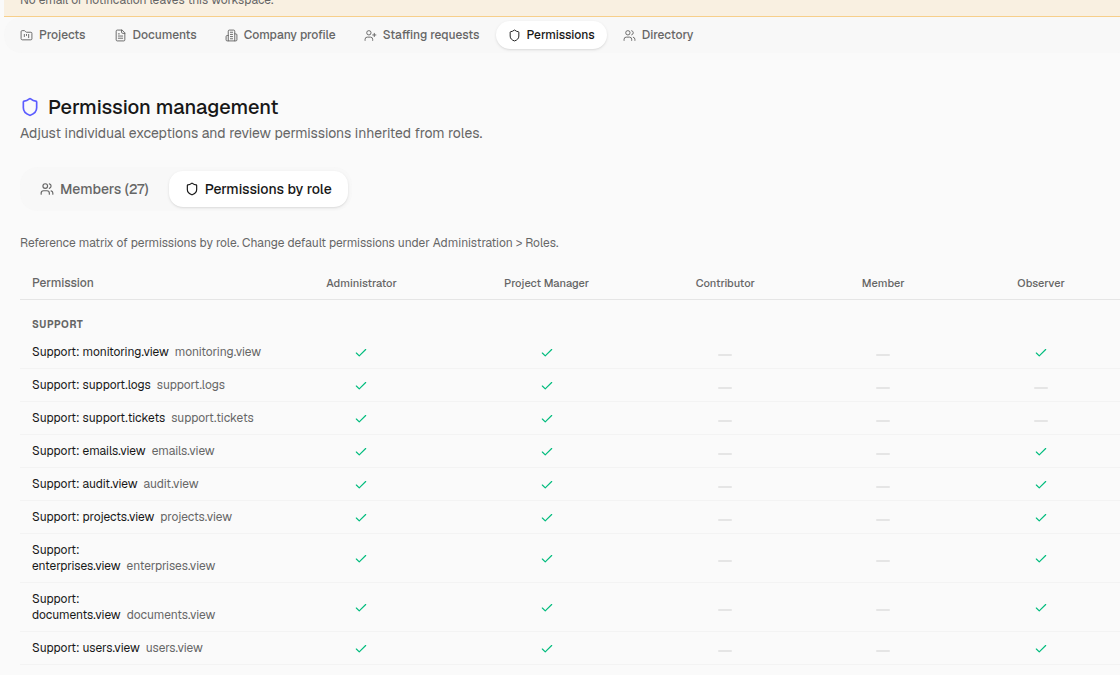
Roles and permissions
Define each role’s permissions precisely.
Users
Manage accounts and workspace membership.
Invitations
Invite collaborators into a workspace.
Custom lists
Adapt value lists to your organization.
Backups
Keep backups so data can be restored.
Exports
Export information in shareable formats.
Webhooks and automations
Trigger automated exchanges with your tools.
Support role
Give support controlled, traceable access.
Monitoring
Monitor the technical health of services.
Support tickets
Centralize and track support requests.
Automation rules
Automate actions with defined rules.
Reports
Generated from project data, exported to PDF, Word, Excel or PowerPoint, schedulable by email.
- 01Project table (Excel)
- 02Gantt chart (Excel)
- 03Steering committee presentation (PowerPoint)
- 04Status report
- 05Risk register
- 06Timesheet
- 07Budget report (earned value, variances)
- 08Milestone report
- 09Resource report
- 10Decision register
- 11Activity log
- 12S-curve (earned value)
- 13Resource histogram
Intelligence
Specialized agents, a knowledge base per industry and jurisdiction, and explicit limits.
- 10AI agents
- 700knowledge sections
- 11industries
- 65permissions in the catalog
- 83notification types
- 7days of undo
Safeguards
What protects your data and your decisions, proven by tests at every release.
- Every change to the plan can be undone for seven days; checkpoints and snapshots on top.
- Row-level isolation between organizations in the database, proven by tests.
- Audit trail of every sensitive action, readable by administrators.
- Daily backup kept for thirty days, restoration verified.
See how this applies to your organization
Inventory generated from the product’s code (schemas, module registry, report catalog); it is checked at every release.