Zenoba at work

Three realistic demos and one real project, all verifiable.

Three projects from the showcase, open to everyone with the demo account, and Zenoba’s own real project — managed in Zenoba since January. The numbers are read from the database, not written.

Zenoba has no paying customer yet: there is therefore no customer case study on this page, and there will be none before one exists. The first three cases are demonstration projects with fictional but realistic data, reset every night; the fourth is real. (numbers read on 2026-08-30)

The cases

Demonstration

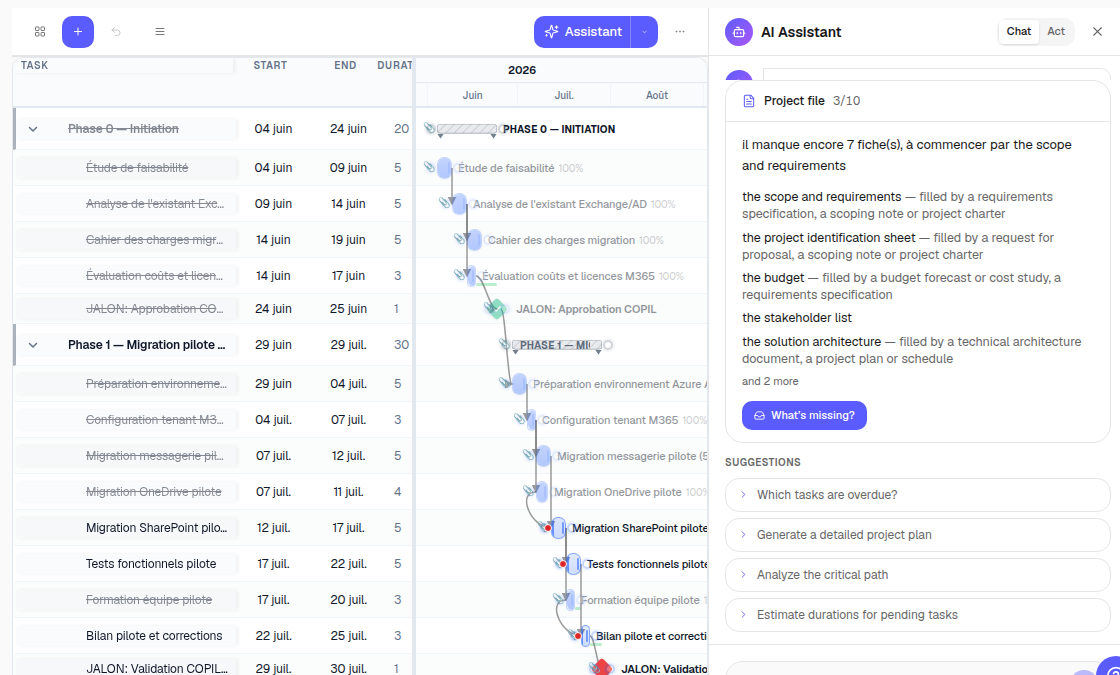
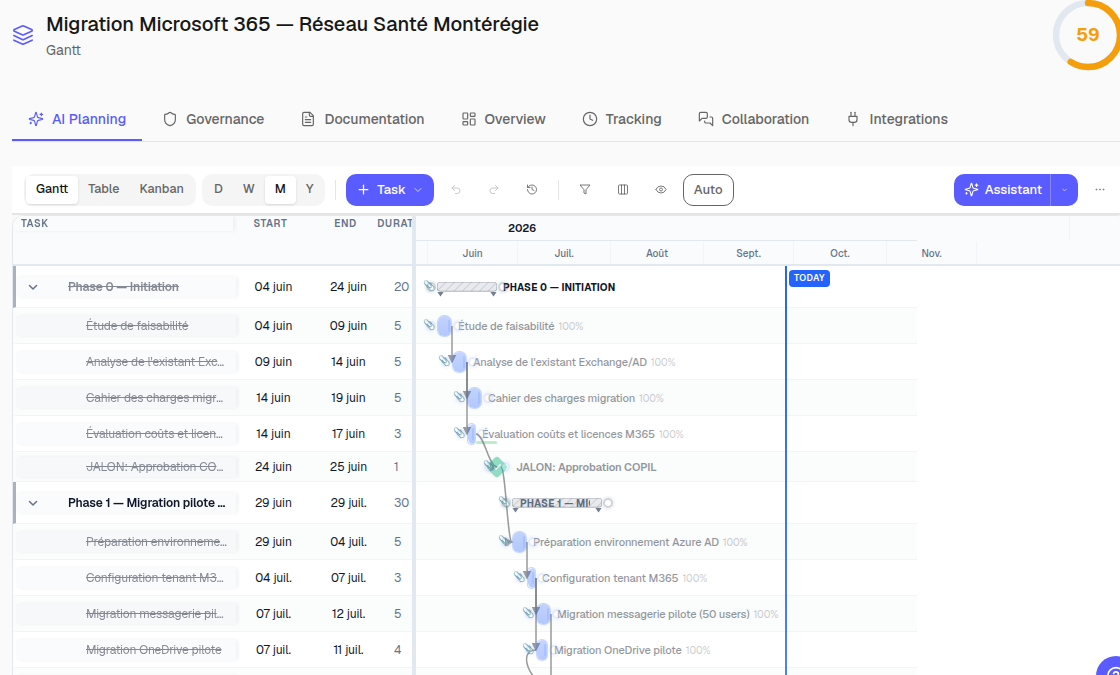
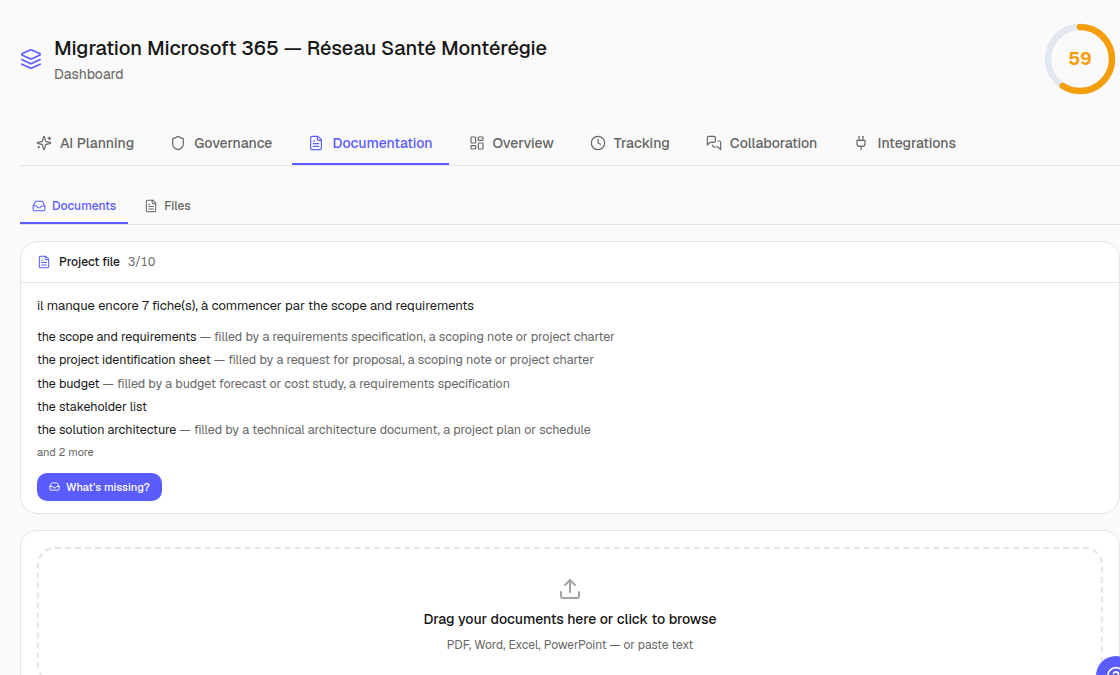
Microsoft 365 migration — Montérégie health network

Healthcare · DEMO-M365-001 · 2026-05-12 → 2026-12-01

The situation
A fictional healthcare institution migrates email and collaboration to Microsoft 365: several sites, health data, Law 25, clinical constraints.
What was imported
The requirements document, the governance plan and the kickoff minutes — PDF, Word, Excel, PowerPoint — ingested and classified, the project records filled from the documents.
The plan produced
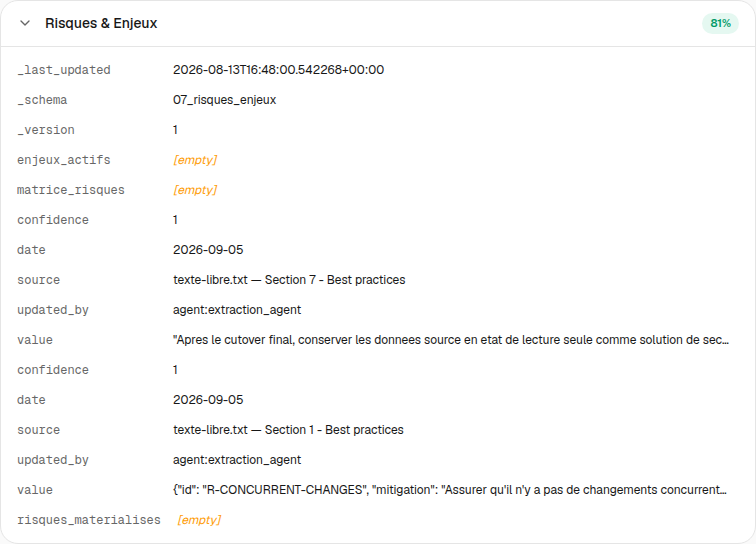
A phased plan with milestones, dependencies, positions to fill and a risk register; the assistant read the “regulatory constraints” record and the Québec healthcare reference before producing it.
What the committee sees
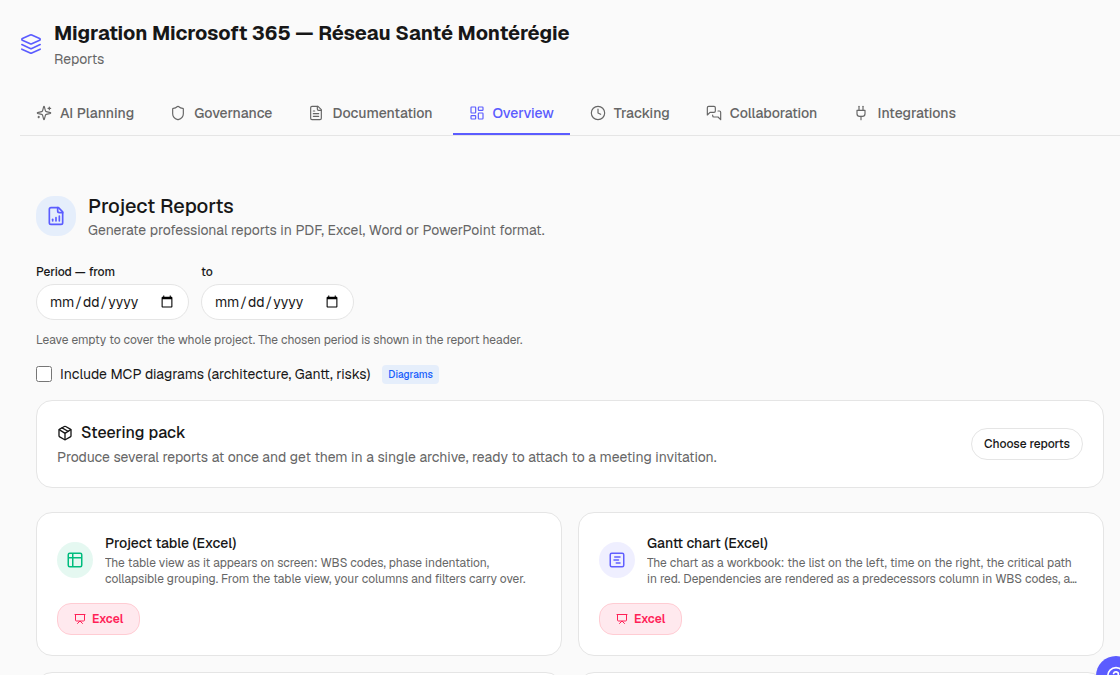
The status report, the risk register, the three recorded decisions and the PowerPoint presentation generated from the plan.
71
tasks
6
milestones
32
dependencies
15
risks
3
decisions
26
documents
15
members

Imported formats: Excel, PDF, PowerPoint, texte, Word
Demonstration

Migration of 40 databases to VMware vSphere

Information technology · 2026-INF-316 · 2026-08-19 → 2027-03-03

The situation
A fictional IT department moves forty databases from physical servers to a virtualized platform, with cutover windows and rollback.
What was imported
The database inventory and the cutover plan (Word, Excel); the target architecture entered in the project record.
The plan produced
The densest plan in the showcase: eighty-one dependencies, computed critical path, resource leveling on database administrators.
What the committee sees
The critical path, the workload histogram and the cutover risk register.
78
tasks
8
milestones
81
dependencies
8
risks
2
documents
8
members

Imported formats: Word

Demonstration

Industry 4.0 IoT deployment

Manufacturing · QX-02-0803 · 2026-08-19 → 2027-01-29

The situation
A fictional manufacturer equips its lines with sensors and a data platform, with operational security and team training.
What was imported
Scope, stakeholders and stakes entered in the records; the plan generated by the assistant from that context.
The plan produced
Nine milestones, seventy-six dependencies, fourteen identified risks; the manufacturing reference (Lean, IoT) consulted by the assistant.
What the committee sees
The milestone report, the risk matrix and the resource report.
74
tasks
9
milestones
76
dependencies
14
risks
8
members
Real case

Zenoba managed in Zenoba

Information technology · 2026-ZEN-001 · 2026-01-15 → 2027-06-21

The situation
The development of Zenoba itself — project 2026-ZEN-001 in the zenoba-inc workspace, kept since January 2026, with its decisions, minutes and documents.
What was imported
Design and operations documents as they come; progress minutes published from the tool; decisions recorded in the register.
The plan produced
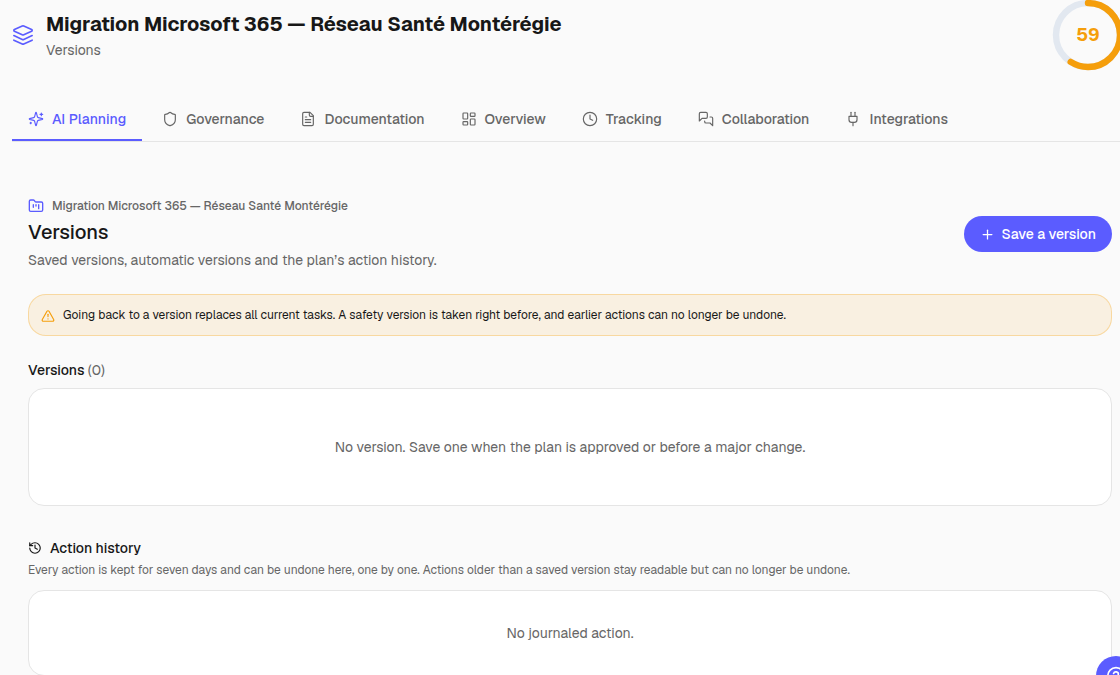
A plan that moves every week: tasks done, rescheduled, cancelled — the undo journal and the versions are the ones you will see.
What the committee sees
What we review ourselves every Friday: progress, open decisions, the risk register, the budget.
49
tasks
7
milestones
30
dependencies
0
risks
22
decisions
240
documents
17
meeting minutes
13
tasks done
15
members

Imported formats: Excel, PDF, PowerPoint, texte, Word
Demo account: marie@demo.zenoba.io, password demo2026 — read and try freely, reset every night at 4 a.m.; emails and notifications are disabled there.

From document to plan

Six steps, on real screenshots, with the measured duration of each.

This is the path you will take with your own documents during the demo. The screenshots come from the showcase, in your browser’s language and theme.

  1. 01 / 06

    Drop your documents

    Requirements, quotes, meeting notes, PDF or Office: they are read, filed in the project tree and become the source of everything else.

    A few seconds per document.

    Drop your documents
  2. 02 / 06

    The project records fill in

    The AI extracts scope, stakeholders, constraints, budget and milestones into the ten project records; each value points to the passage in the document, and you validate.

    About a minute for a requirements document.

    The project records fill in
  3. 03 / 06

    Ask for the plan

    Tasks, milestones, dependencies, positions to fill, risks — produced knowing your organization, your industry and your jurisdiction, then reviewed against the seven PMBOK dimensions.

    About sixty seconds.

    Ask for the plan
  4. 04 / 06

    Adjust in the Gantt

    Critical path, drag and drop, links, resource leveling: the engine is ours, and every action goes through the API — nothing is lost.

    As long as you want to spend.

    Adjust in the Gantt
  5. 05 / 06

    Undo, compare, set a baseline

    Every change stays undoable for seven days; checkpoints, snapshots and baselines measure the gap between the promised plan and the real one.

    Immediate.

    Undo, compare, set a baseline
  6. 06 / 06

    Present to the committee

    Status report, risk register, earned-value budget, PowerPoint presentation: generated from the plan, schedulable by email.

    About a minute.

    Present to the committee

Your turn

Do it on your documents, not ours

Thirty minutes with someone from the team: you bring a requirements document, you leave with the plan.