Positions — plan first, people second
In Zenoba, the plan doesn't wait for the team: positions carry the work until real people take them. Six ideas are enough.
Your plan is already carried — by positions
When your workspace is born, every business role becomes a position: a chair, not a person — the “Profile” badge says so everywhere. Every task in the plan knows which chair will carry it: you plan, estimate and set milestones before knowing who does what.


Start by taking your own chair
At the end of onboarding, Zenoba offers “Take the position” matching your role. One click — and “My work” shows your tasks. That's your morning screen.
Seat the others, one chair at a time
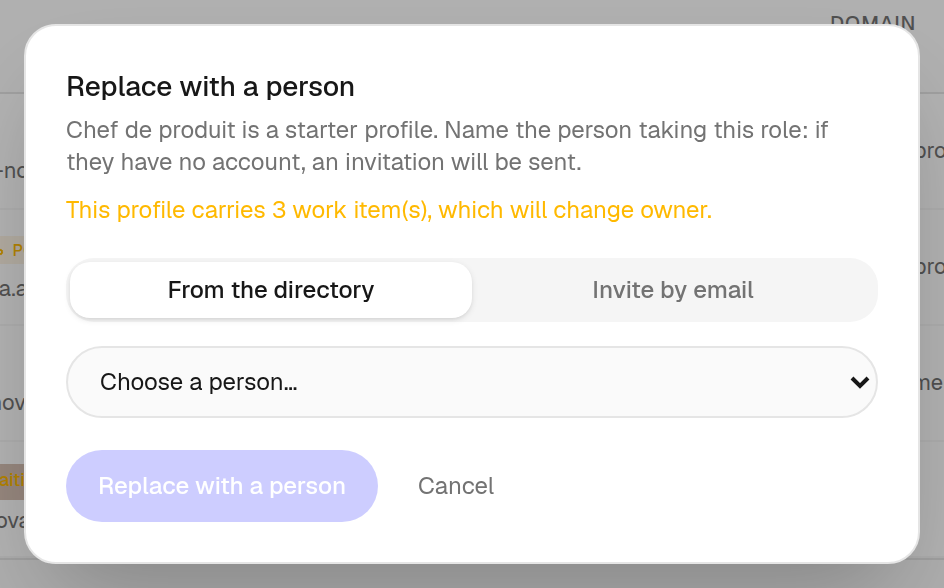
Wherever you meet a position, a “Fill” button follows you: pick someone from the directory, or invite by email. Before you confirm, Zenoba announces what will change hands — nothing happens blindly. The person arrives with the position's work, not empty-handed.
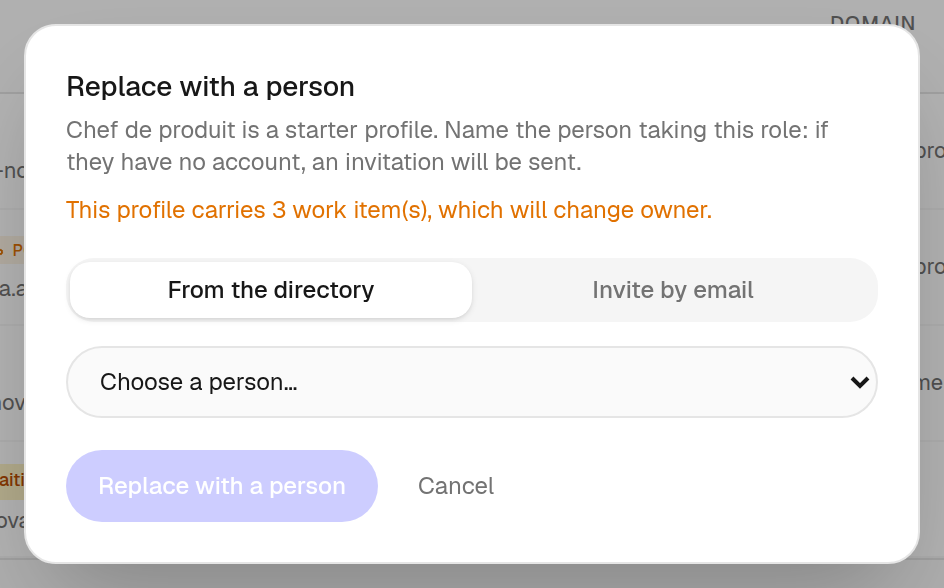
Nothing gets lost while you wait
A sleeping invitation wears an amber “Pending” badge, resends in one click, and Zenoba reminds it by itself after seven days. A deadline approaching on an empty position? You're warned a week ahead — and the notification drops you right on the button. An invited person uses no seat before their first login.


Change your mind freely — history doesn't change
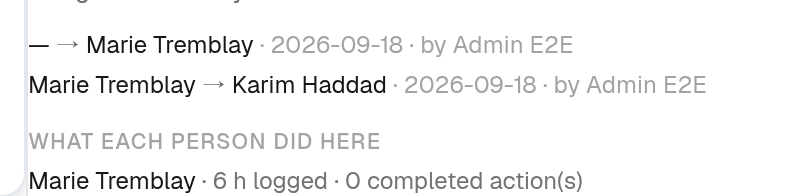
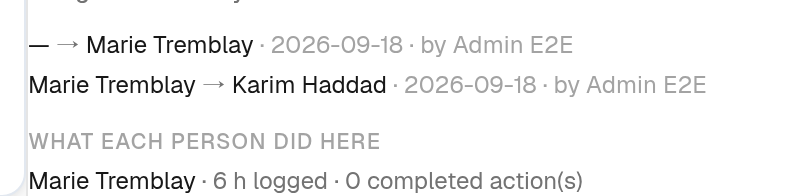
Reassign as much as the project demands. What each person actually did — logged hours, completed actions — stays under their name, forever; and every task keeps its timeline: who carried it, when, changed by whom. Over eighteen months, that's your audit memory — and nobody can rewrite it, not even Zenoba.
When someone leaves, their work doesn't leave with them
The “Departure” gesture transfers only what remains to be done — to a position of their domain, instantly visible in “Unfilled positions”, ready to be filled again. Everything the person accomplished stays under their name.


The gesture, the moment you think of it
Filling is never far away: assigning a position in the table offers it right away, and the workload panel shows the work nobody will do.
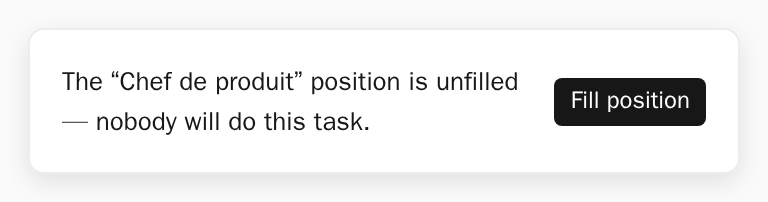
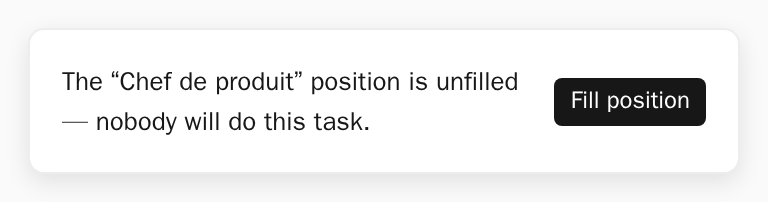
After assigning a position in the table view: Zenoba offers to fill it right away.
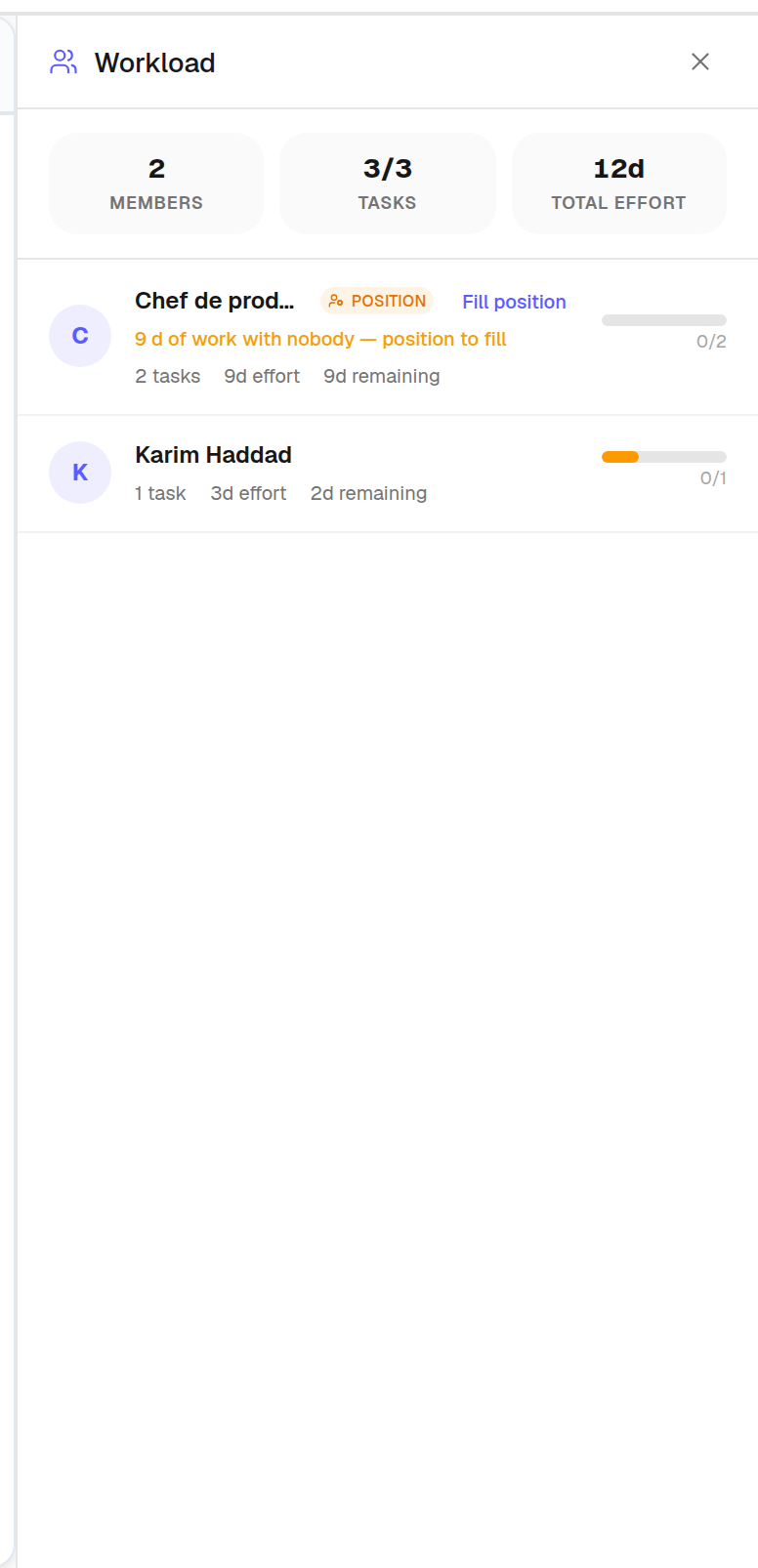
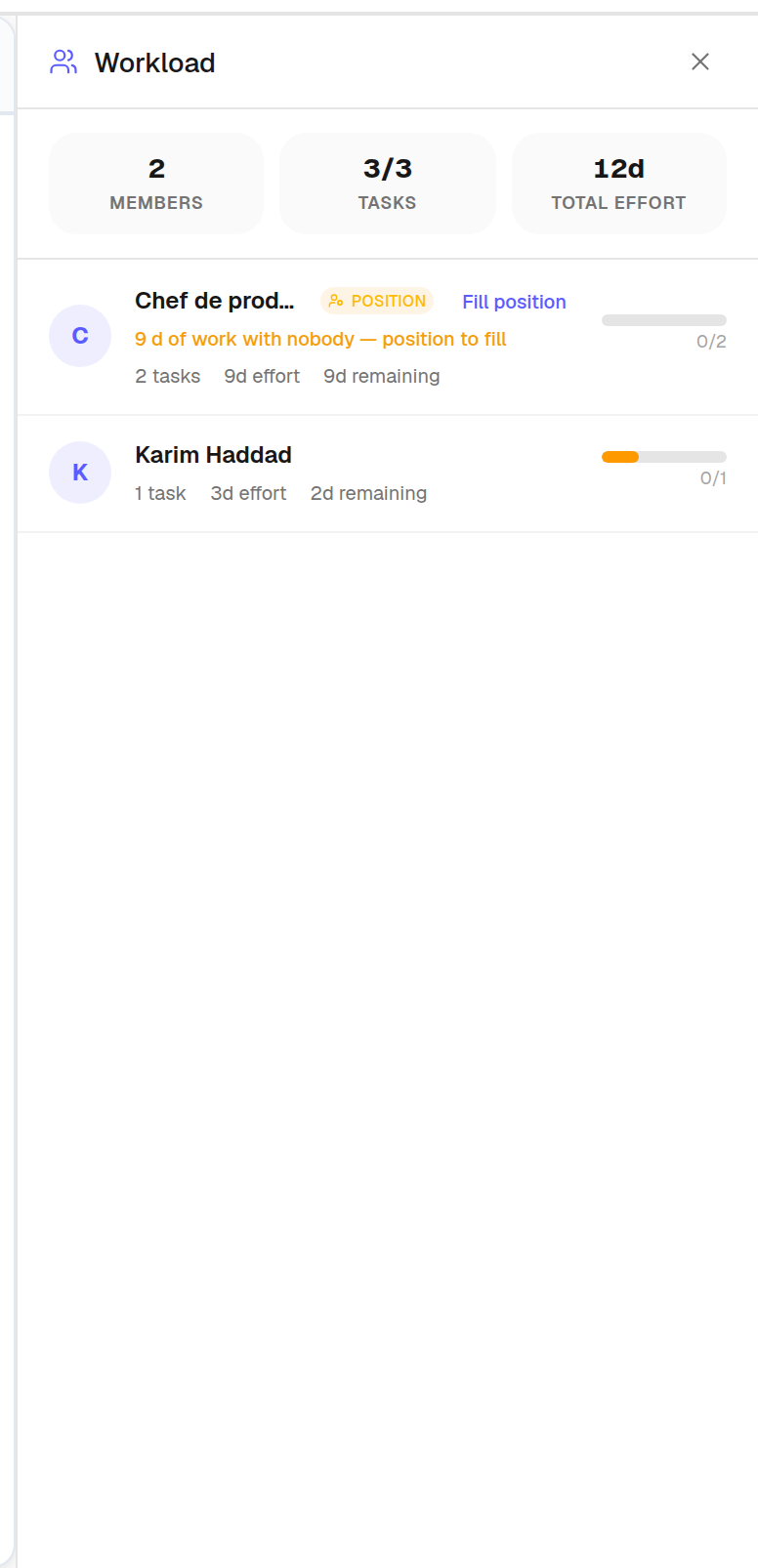
The workload panel: a position's row shows the work nobody will do, and carries the action.
The rule that sums it all up: a task always has a carrier — a chair or a person — and the past is never rewritten.